

Hed - Full PC Control From Your Head
A head-and-face controlled device that enables fine-grained control of a computer
1st Place Overall — SaugaHacks
What is Hed?
Hed (Head-Enabled Device) is an accessibility system that turns head and face movements into full computer control. An ESP32 with an MPU-6050 IMU is strapped to a cap and streams motion over USB serial to a Python host, which fuses the readings into an orientation and drives the mouse cursor. Tilting the head up/down and left/right steers the cursor, while rolling ear-to-shoulder triggers left and right clicks. On macOS, on-device voice recognition types whatever you say into the focused text field, so a user paralyzed from the neck down can browse, click, and dictate without touching a keyboard or trackpad.
Wearing the Hed cap — the ESP32 and MPU-6050 are mounted on top
How does it work?
An Arduino sketch on the ESP32 pushes 100 raw MPU samples per second over USB. On the host, a Python service reads the serial stream, calibrates gyro bias, applies a bias-tracking Mahony/Fusion filter to recover yaw, pitch and roll, and feeds the result into whichever consumer is active — a live terminal dashboard, a browser 3D head visualizer served over server-sent events, a cursor driver that talks to CoreGraphics through ctypes, or all of them at once. A separate macOS "island" overlay runs Apple's on-device SpeechAnalyzer for voice-to-text, and a standalone Chrome extension provides browser-only dictation and voice commands when no hardware is connected.
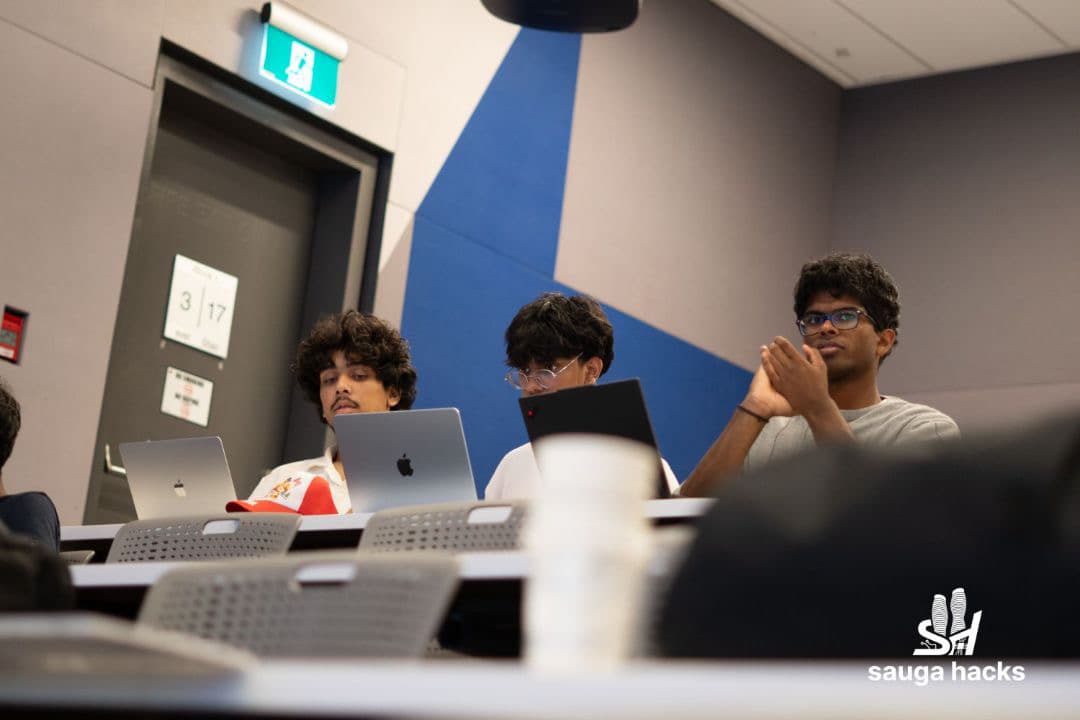
Iterating on the tracker at SaugaHacks
What are the components of Hed?
Here are the main components of Hed:
1. An ESP32 with an MPU-6050 IMU mounted on a cap — the wearable that captures head motion.
2. An Arduino firmware sketch that streams raw accelerometer and gyroscope samples at 100 Hz over USB serial.
3. A Python host that reads the serial stream, calibrates gyro bias, fuses samples into a stable orientation, and exposes it to consumers over SSE.
4. A cursor driver that maps yaw and pitch to cursor movement and roll to clicks, sending events straight to CoreGraphics so the trackpad keeps working alongside it.
5. A macOS voice island that types anything you say into the focused text field using Apple's on-device SpeechAnalyzer, plus a Chrome extension for browser-only voice control.
Challenges we faced
1. Yaw drift was the hardest problem. The MPU-6050 has no magnetometer, so heading has no absolute reference — a startup calibration is a single snapshot and gyro bias moves as the board warms up. A creeping 0.8 deg/s of bias integrates into a 72-degree yaw error over three minutes with a plain Mahony filter. We swapped in x-io's Fusion filter with a zero-rate-update bias tracker that ramps its bias estimate onto whatever the gyro reads while at rest, cutting that same three-minute error to about 6 degrees. On top of that, the cursor's centre is not fixed — it leaks towards wherever the user is actually looking, so any leftover drift is absorbed instead of turning into a pointer that slides on its own.
2. Clicks and cursor movement fight each other. Head tilt bleeds into yaw and pitch, so a naive "roll to click" implementation would slide the pointer off its target the moment you tipped your head. We freeze the cursor whenever roll crosses the click threshold, add hysteresis (button goes down at 20 degrees, only comes back up under 10) to stop a wobbling head from machine-gunning clicks, and refuse to let the roll centre creep, so a habitual lean can't silently re-arm the click while the head is still over.
3. Getting macOS to hand over motion data and simulated input at all. The AirPods CoreMotion source and typing into other apps both need entitlements that a script in a terminal simply does not have — the OS kills the process outright on TCC violation. We built a minimal HeadTrack.app bundle whose executable is a copy of the real Python interpreter and launch it through LaunchServices, so the app is the one asking for permission; output comes back through a FIFO.
Debugging drift and click hysteresis on the day of the hackathon
Features
- Hands-free cursor control mapped from head yaw and pitch, with a moving centre so drift never turns into a runaway pointer
- Head-tilt clicking with hysteresis and cursor freeze, so a click never slides off its target
- On-device voice-to-text on macOS via Apple's SpeechAnalyzer, typing into any focused text field in any app
- Standalone Chrome extension for browser voice control and dictation with no hardware required
- Live 3D head visualization and a raw sensor cube view for setup and debugging
- Optional AirPods motion source for anyone who doesn't want to wear the cap
My Contribution
TODO — what you personally built and owned.
The Hed team on stage after winning first place
Achievement
Hed won 1st place overall out of 24 projects at SaugaHacks, competing against 80+ participants.
Hed alongside the three first-place certificates