Remoku — CLI-Based TV remote for Roku
Remoku is a CLI tool that lets you control your Roku TV
2026-06-04
What is Remoku?
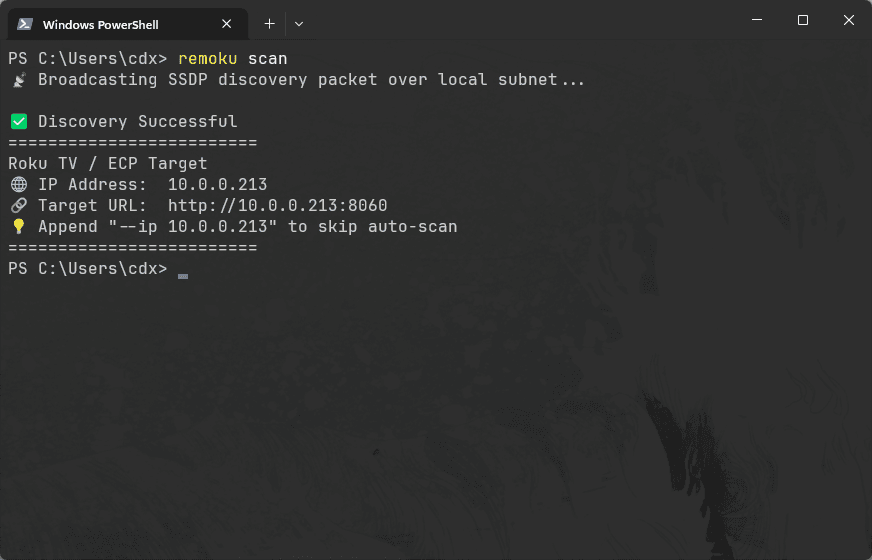
Remoku is a CLI networking tool that is able to access and control Roku TVs on your local WiFi network. By using the Simple Service Discovery Protocol (SSDP), Remoku is able to discover Roku TVs on your local WiFi network and control them using Roku's External Control Protocol (ECP).
Inspiration
I made Remoku in one afternoon because the morning that same day, I had lost my Roku TV remote. Instead of going to the store to buy a new one, I decided to develop some way to be able to control my TV from my computer, the vision was that in the future I could pair it with some automations to turn my TV on when I enter my office.
The Creation Process
Research
The first step to creating Remoku was to understand the best way to approach controlling my Roku TV with code. I did some googling and found out that Roku actually makes it incredibly simple by offering the External Control Protocol (ECP). Basically, Roku TVs will listen for HTTP requests on port 8060, and will respond to query and keypress requests. I also found out that Roku provided an easy way to discover Roku TVs on your local network using the Simple Service Discovery Protocol (SSDP).
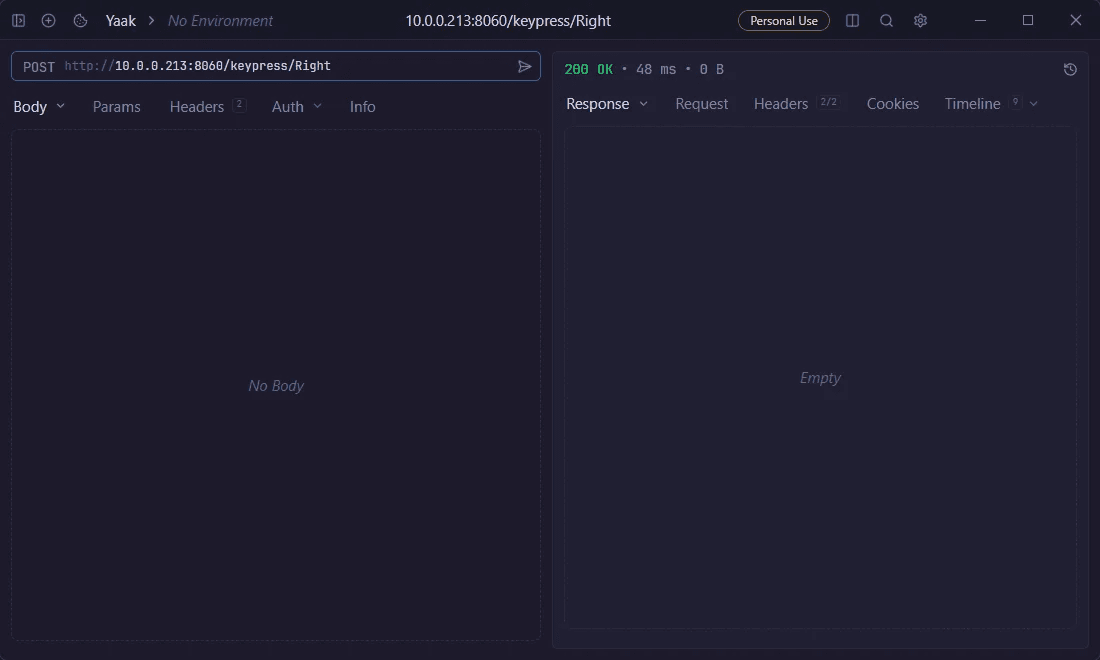
Using Yaak, an API tester, to test Roku's ECP
Tool Selection
When choosing what to use to make Remoku, I was split between making a GUI application or a simplified CLI tool. I eventually landed on just making a CLI tool because I wanted to avoid the added friction of having to open a GUI and instead would prefer being able to control my TV directly from my terminal especially because it allows me easily call my program from a Python script.
As for choosing a programming language, Go was a no-brainer because of it's networking libraries and it's ease of use for creating CLI tools.
Implementation
Over a few hours, I finished the first version of Remoku, including these key features:
- Device discovery using SSDP
- Remote key presses
- App library fetching & app launching
- An interactive mode where you can trigger key presses using keys on your keyboard
- A macro executor that executes automations written in JSON
Examples
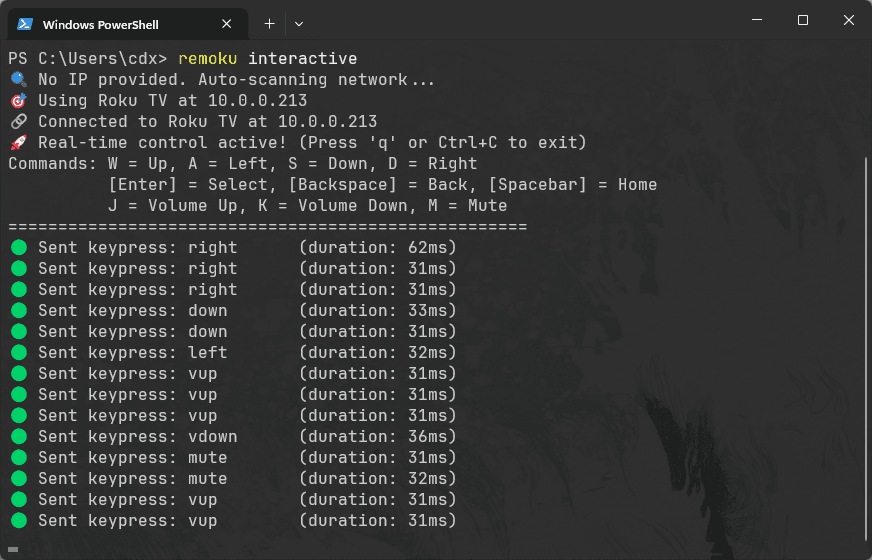
Using Remoku's interactive mode to control my TV
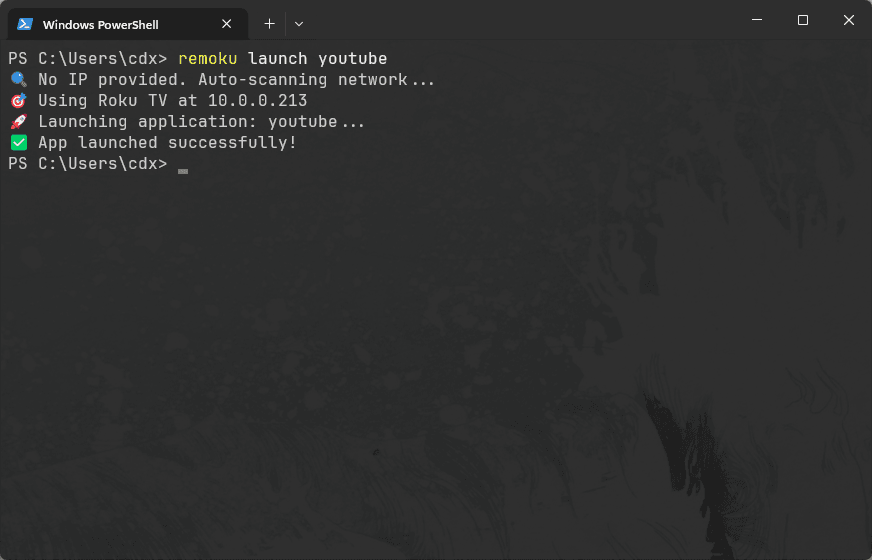
Using Remoku launch apps on my TV
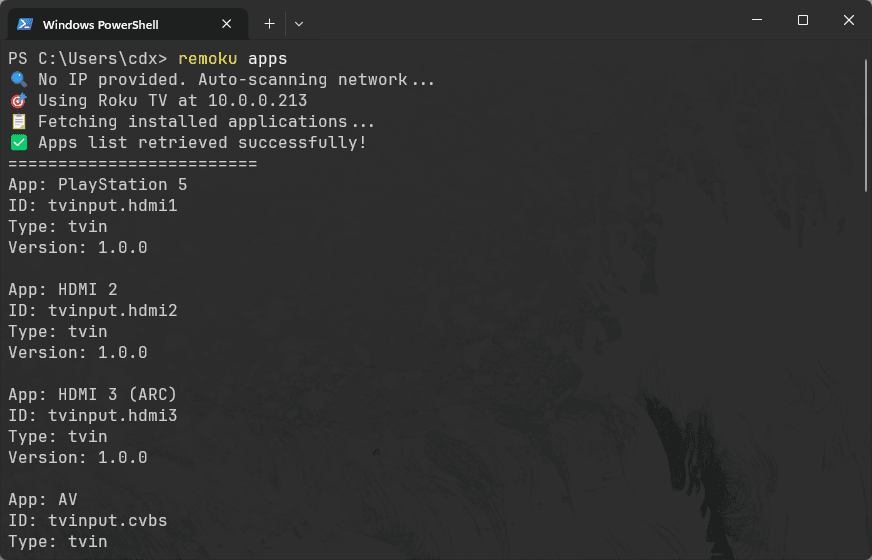
Using Remoku's library mode to see my TV's installed apps
Using Remoku to scan my local network for Roku devices
Want to Use Remoku?
- You must have Go installed on your computer first.
- Run
go install github.com/CDX-1/remoku/cmd/remoku@latest - Run
remokuto use the tool